
Before & After Quality Slider
See the real difference before you convert — re-encode live in your browser and pick the smallest file that still looks sharp.
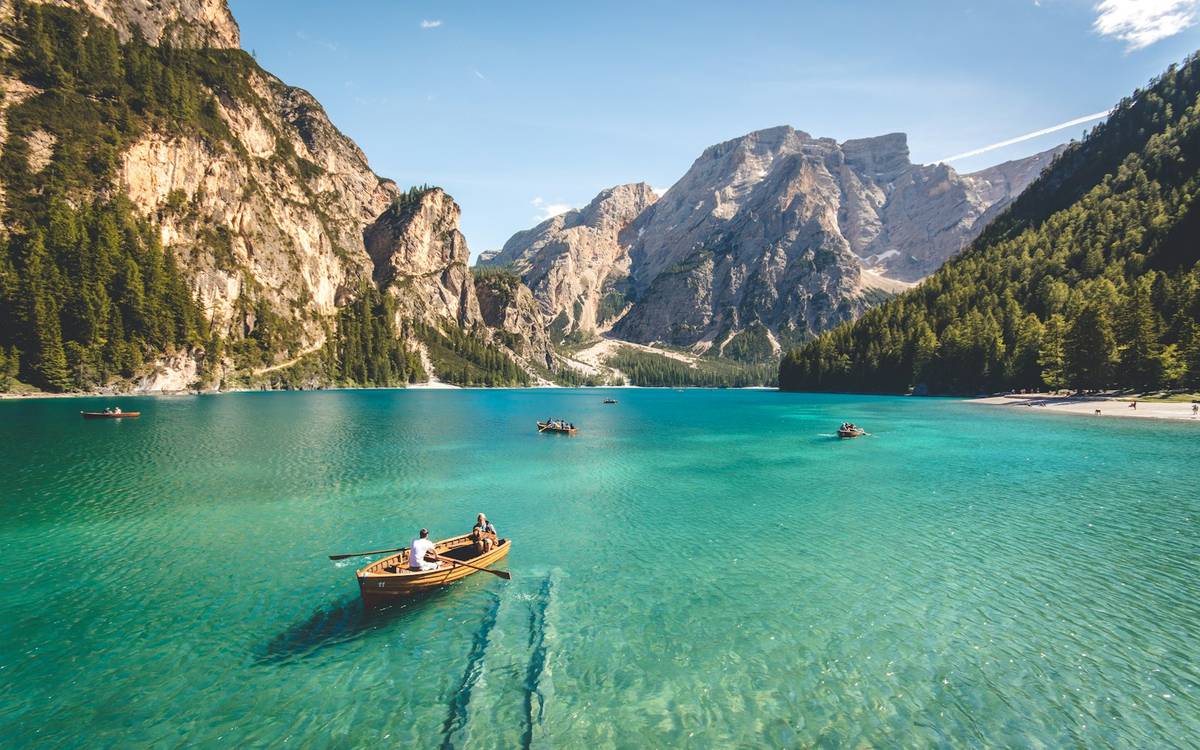
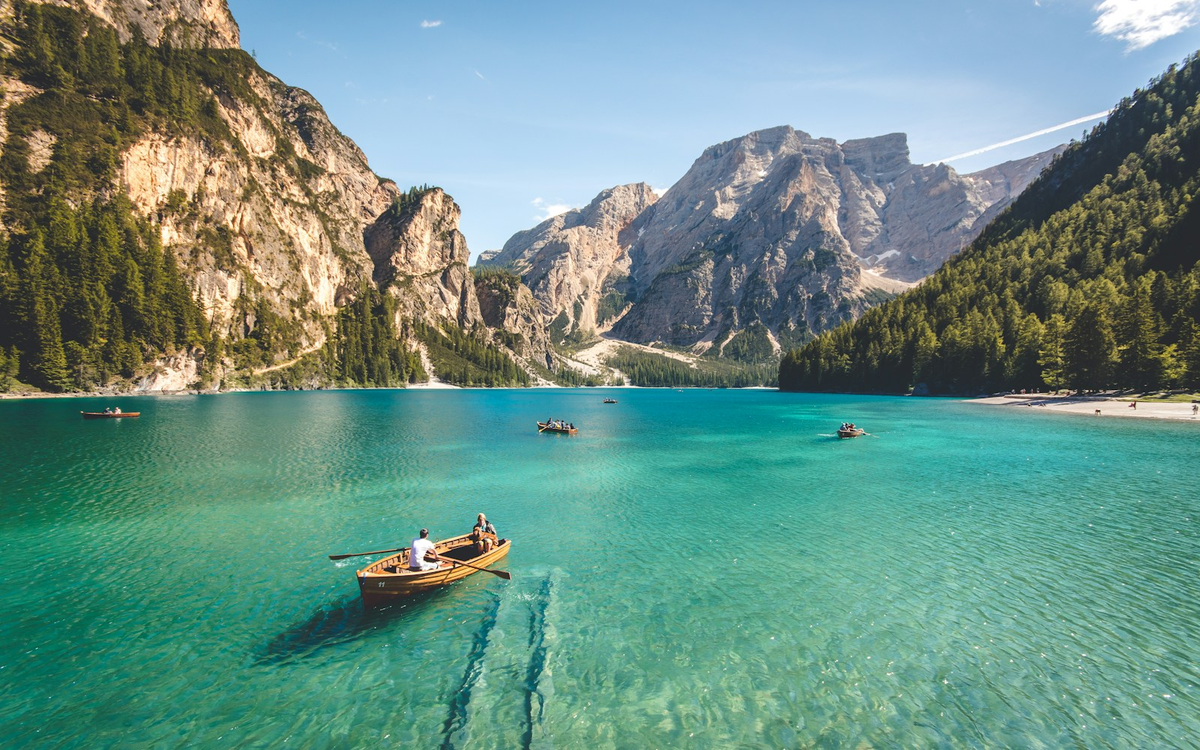 Converted 70%Original (100%)
Adjust Quality
Live preview — the left side is re-encoded in your browser at the quality you choose.
Actual size: —
Compress an imageHow to use this tool
Load an image
Drop a JPG, PNG, or WebP sample. Preview stays on your device.
Slide quality
Compare original vs compressed side by side until the trade-off looks right.
Apply elsewhere
Use the same quality mindset in the compressor or when converting to JPG/WebP.
Frequently Asked Questions
More on quality loss: conversion quality guides · compression guides
Is the quality slider free?
Yes. Compare compression levels in your browser with no signup.
Are my images uploaded?
No. Previews are generated locally — there is no server copy.
What quality should I use?
Most photos look nearly identical around 80–90% while saving a lot of space.
How does this relate to converters?
When you convert to JPG, WebP, or AVIF, quality settings control the same size vs fidelity trade-off.
Ready to convert more formats?
Browse converters or jump back to the tool above.